Tkinter Designer
Tkinter is the GUI library that ships with Python. MatDeck's designer places those widgets on a form and writes the Python that builds them. For a chemistry app that means a bench window: sample names, volumes, a chart and a table, with the generated code kept beside the form.
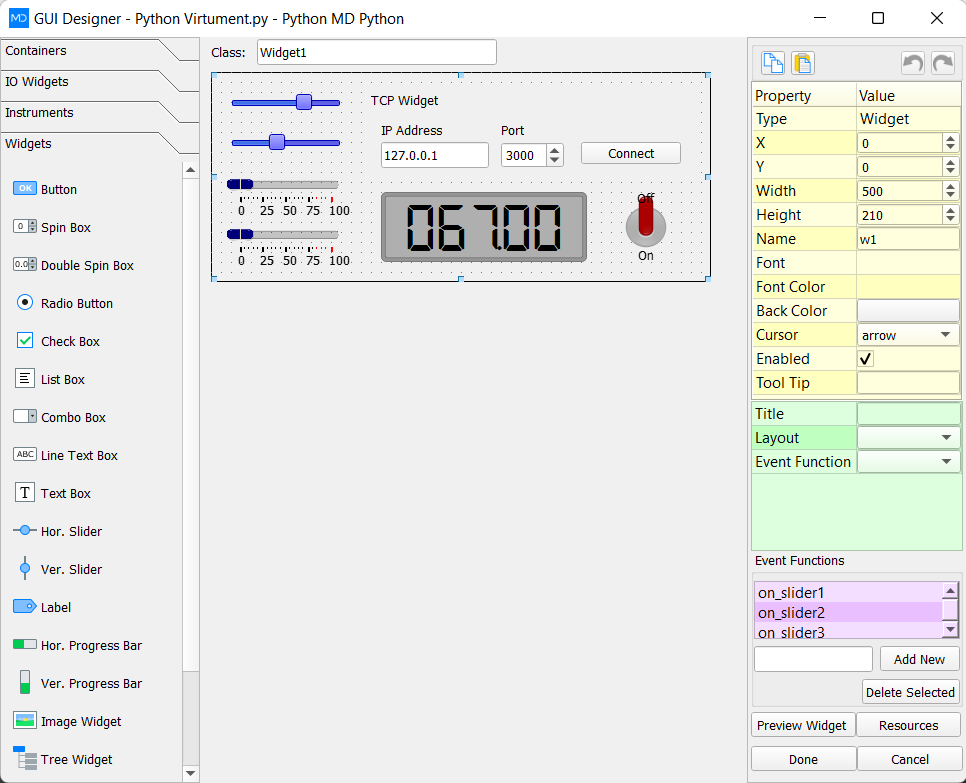
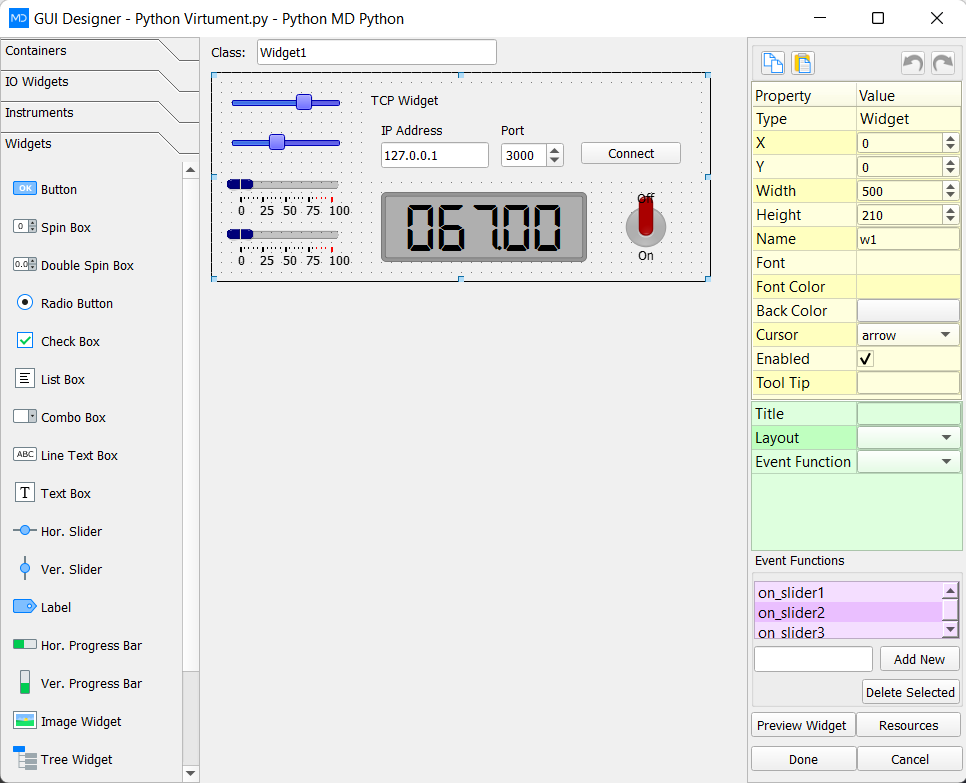
The LabDeck Tkinter GUI designer is the full tool. The 12 products here split the job: forms, a widget palette, grid and pack layout, event bindings, menus and dialogs, canvas drawing, sample tables, charts, styles, notebooks and trees, multi-window scaffolds and a packager. Each one ships in 14 versions.
A table or a chart can point at a MatDeck vector, so the window shows the same concentration or spectrum as the sheet. Packaging uses that generated Python rather than a second layout you have to keep identical by hand.
Products in this group (12)
- Tkinter Form Designer — Lay out lab entry forms in Tkinter and keep the generated Python.
- Tkinter Widget Palette — Buttons, entries, labels and frames for a chemistry bench GUI.
- Tkinter Grid and Pack Layout — Rows, columns and pack options that stay aligned when the window resizes.
- Tkinter Event Binding — Click, key and command bindings written next to the widget.
- Tkinter Menu and Dialog Builder — Menus, dialogs and message boxes for experiment prompts.
- Tkinter Canvas Toolkit — Draw apparatus sketches, peaks and annotations on a Tkinter canvas.
- Tkinter Sample Table — Tables of samples, concentrations and measured values inside the GUI.
- Tkinter Chart Widget — Titration and spectra charts embedded in a Tkinter window.
- Tkinter Style and Themes — ttk styles and colours saved for the next chemistry app.
- Tkinter Notebook and Tree — Tabbed notebooks and trees for methods, samples and results.
- Tkinter Multi-window Scaffold — Main bench window, child windows and a shared state object.
- Tkinter App Packager — Package the designed Tkinter chemistry GUI as a distributable application.